SpotCam is equipped with an LED light to indicate the status of the camera. You can know that your SpotCam works normally by checking the color and blinking of the LED light. Below you will find the meaning of the LED light color and the flashing conditions.
LED light off
SpotCam is off now. LED will go off shortly during boot up process too.
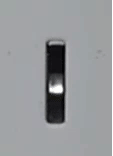 LED light is solid purple (mix of blue and orange)
SpotCam is in booting up process, please wait a while.
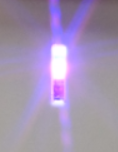 LED light is blinking in orange
SpotCam is working in Wi-Fi AP mode.
 LED light is blinking in blue
Type 1:
LED light is blinking in blue
Type 1: Camera LED blink blue once per second (Blinking blue fast).
SpotCam is working in client mode and connected to your Wi-Fi already and is trying to connect to cloud server.
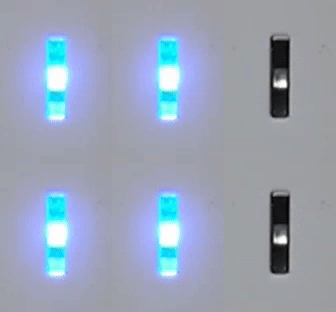 Type 2:
 Camera LED blink blue once every 2 seconds (Blinking blue slowly).
SpotCam is working in client mode, but it cannot connect to your Wi-Fi router.
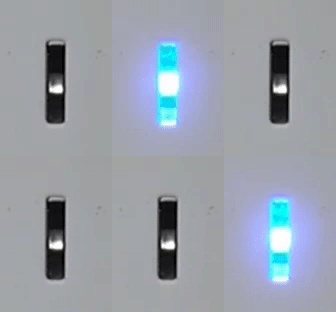 LED light is solid blue
SpotCam has successfully connected to Wi-Fi and is working normally.
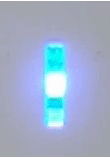 LED light is blinking orange and blue
Type 1:
LED light is blinking orange and blue
Type 1: Blue – Orange repeatedly
SpotCam has successfully connected to your Wi-Fi router, but can't register itself to MySpotCam.com cloud server. Please contact
support@myspotcam.com when seeing this status.
 Type 2:
 Blue – Dark – Orange - Dark repeatedly
SpotCam is experiencing Wi-Fi connection problem and can't connect to your Wi-Fi router. Check
here for more information if you are seeing this on your SpotCam.
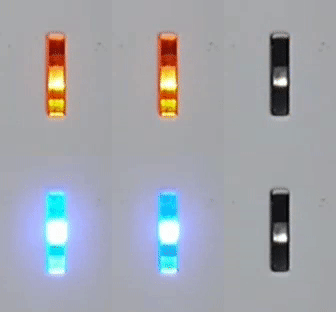
LED light off
Means chime speaker is off now or it has been set as off by camera setting.
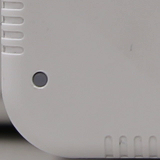 LED light is solid orange
Means chime speaker is booting.
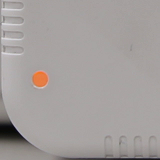 LED light is blinking in orange
Means chime speaker is working in AP mode.
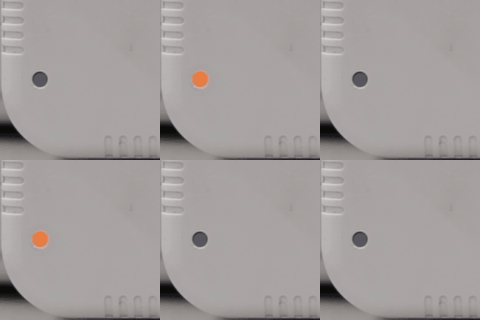 LED light is blinking in blue
Type1:
LED light is blinking in blue
Type1: Camera LED blink blue once per second (Blinking blue fast).
Chime speaker is working in client mode and connected to your Wi-Fi already and is trying to connect to cloud server.
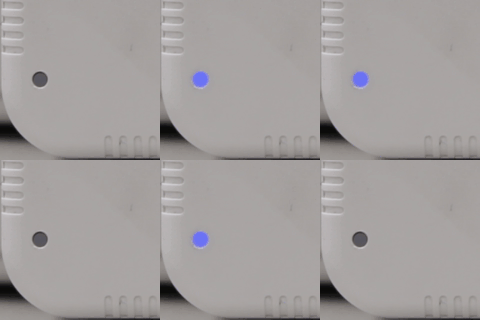 Type2:
 Camera LED blink blue once every 2 seconds (Blinking blue slowly).
Chime speaker is working in client mode, but it cannot connect to your Wi-Fi router.
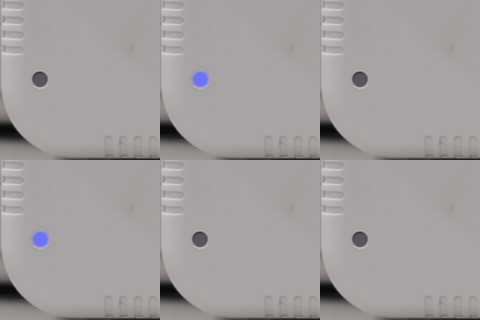 LED light is solid blue
Chime speaker has successfully connected to Wi-Fi and is working normally.
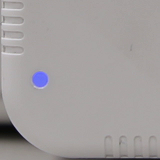 LED light is blinking orange and blue
Type1:
LED light is blinking orange and blue
Type1: Blue – Orange repeatedly
SpotCam has successfully connected to your Wi-Fi router, but can't register itself to MySpotCam.com cloud server. Please contact
support@myspotcam.com when seeing this status.
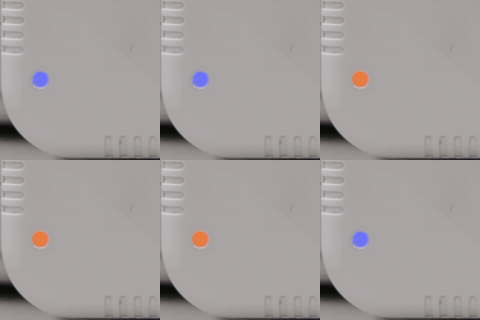 Type2:
 Blue – Dark – Orange - Dark repeatedly
SpotCam is experiencing Wi-Fi connection problem and can't connect to your Wi-Fi router. Check
here for more information if you are seeing this on your SpotCam.
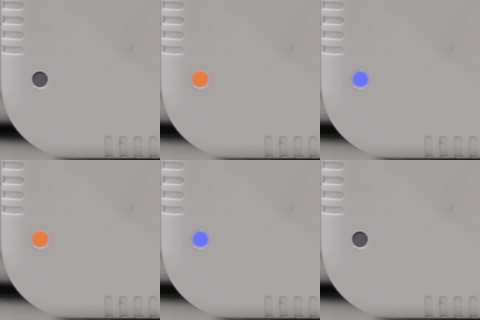 Type3:
 Blue - Blue - Orange
Means the pair information between video doorbell camera and chime speaker was lost. Please check
here to repair both video doorbell camera and chime speaker.
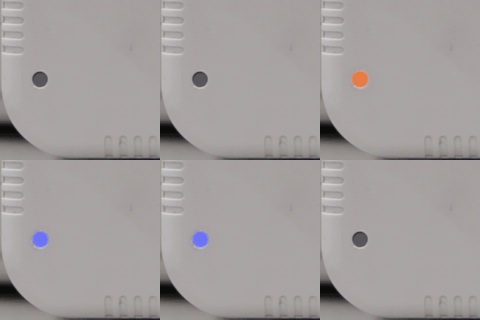
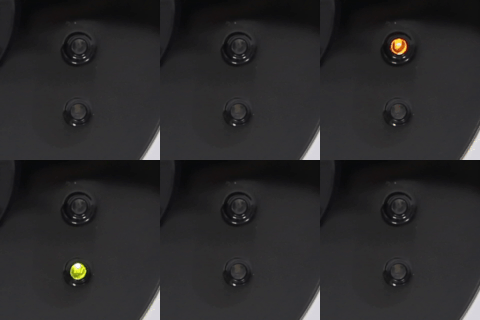
LED light off
SpotCam is off now or it has been set as off by camera setting.
 LED light is blinking in orange
SpotCam is working in Wi-Fi AP mode.
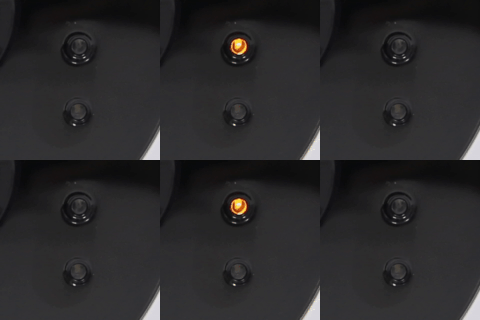 LED light is blinking green
SpotCam has been woke up by an event.
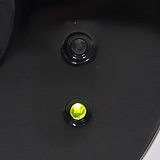
 LED light is solid green
SpotCam is recording the video.
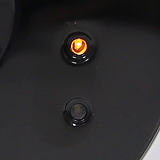
 LED light is solid orange
SpotCam is recording, but the power of battery is too low or the power mode setting is wrong.
 LED light is solid green and orange
SpotCam is formatting SD card, upgrading firmware or resetting.
 LED light is blinking green and orange
Type1:
LED light is blinking green and orange
Type1: Green - Orange repeatedly
SpotCam has successfully connected to your Wi-Fi router, but can't register itself to MySpotCam.com cloud server. Please contact
support@myspotcam.com when seeing this status.
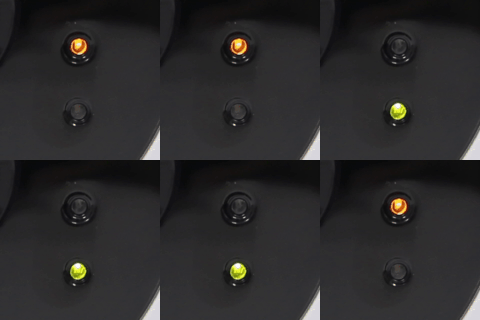 Type2:
 Green - Dark - Orange - Dark repeatedly
SpotCam is experiencing Wi-Fi connection problem and can't connect to your Wi-Fi router. Check
here for more information if you are seeing this on your SpotCam.



 20220
20220





 English (UK)
 日本語
日本語 繁中 (台灣)
 繁中 (香港)
 Deutsch
 Français
 Suomi
Suomi